Windows 11 · Top Notch & Floating Island

Your Windows edge, built to hold everything in reach.

Sculpted Liquid Glass along the top bezel for synced music, 24 desktop-pinnable widgets, instant screenshot & MP4 capture, a built-in mini-browser, encrypted clipboard cards, offline file conversion, phone QR drops, and live AI agent approvals.

Free Open Core · $7.99 Lifetime Pro · Zero Idle CPU · Click-Through · Screenshot-Safe

Backdrop
Shape
Theme
Click any icon inside the notch or stage a sample file onto the Drop Shelf

True curved Liquid Glass over every window.

Unlike flat blur overlays, NotchPulse bends light smoothly around curved bezel corners and concave ears in real time — both in the top bar and across pinned desktop widgets.

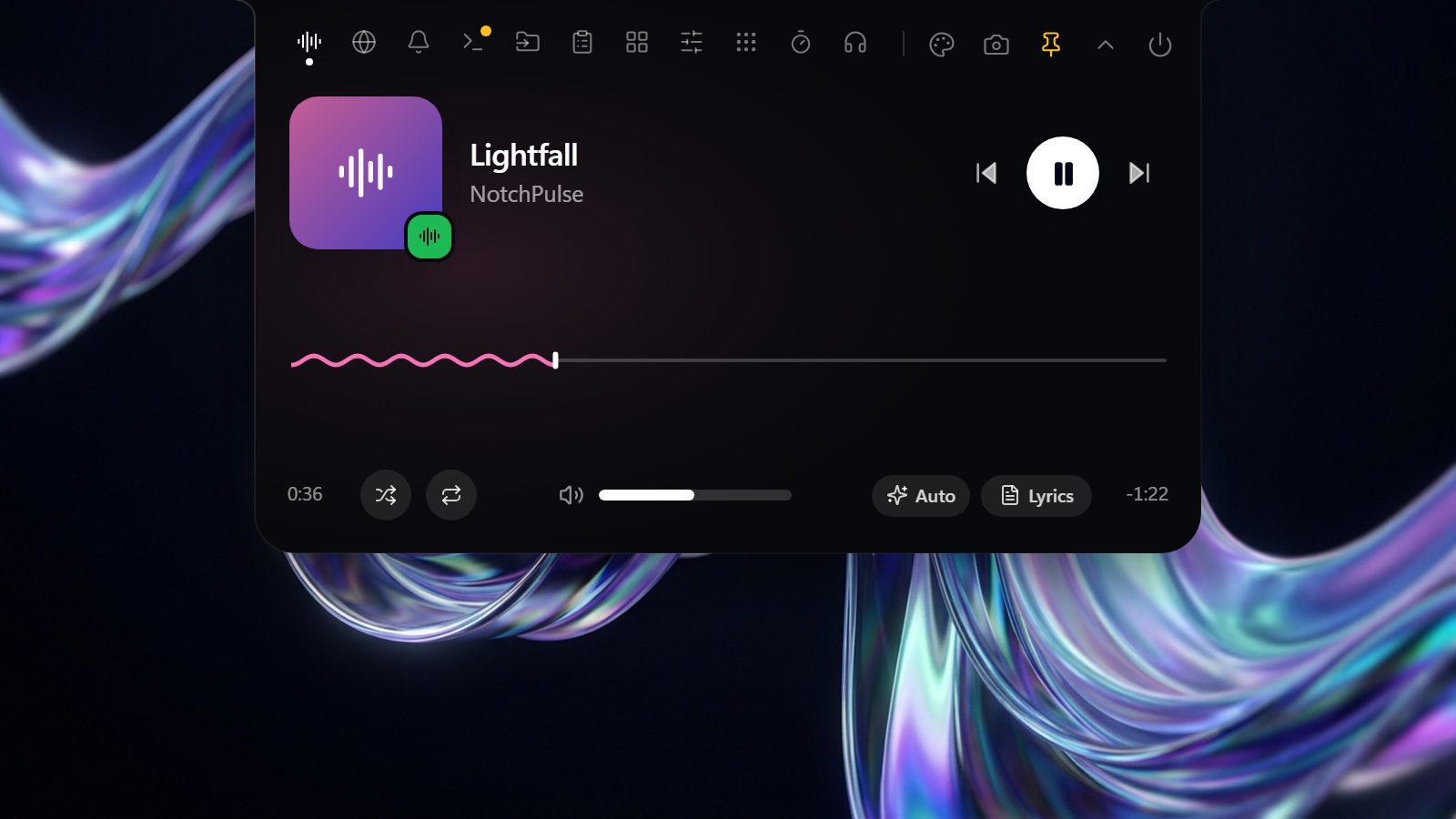
NotchPulse optical Liquid Glass over holographic studio backdrop
Smoked-crystal Liquid Glass refracting folded holographic silk ribbons behind Now Playing. ShotSafe Ready · Click-Through When Idle

Eleven workspaces. Zero alt-tabbing.

Every icon in the top rail opens a dedicated tool built for real Windows workflows — from media & synced lyrics to screen recording, embedded mini-browsing, and local AI coding hooks.

Selected NotchPulse workspace view
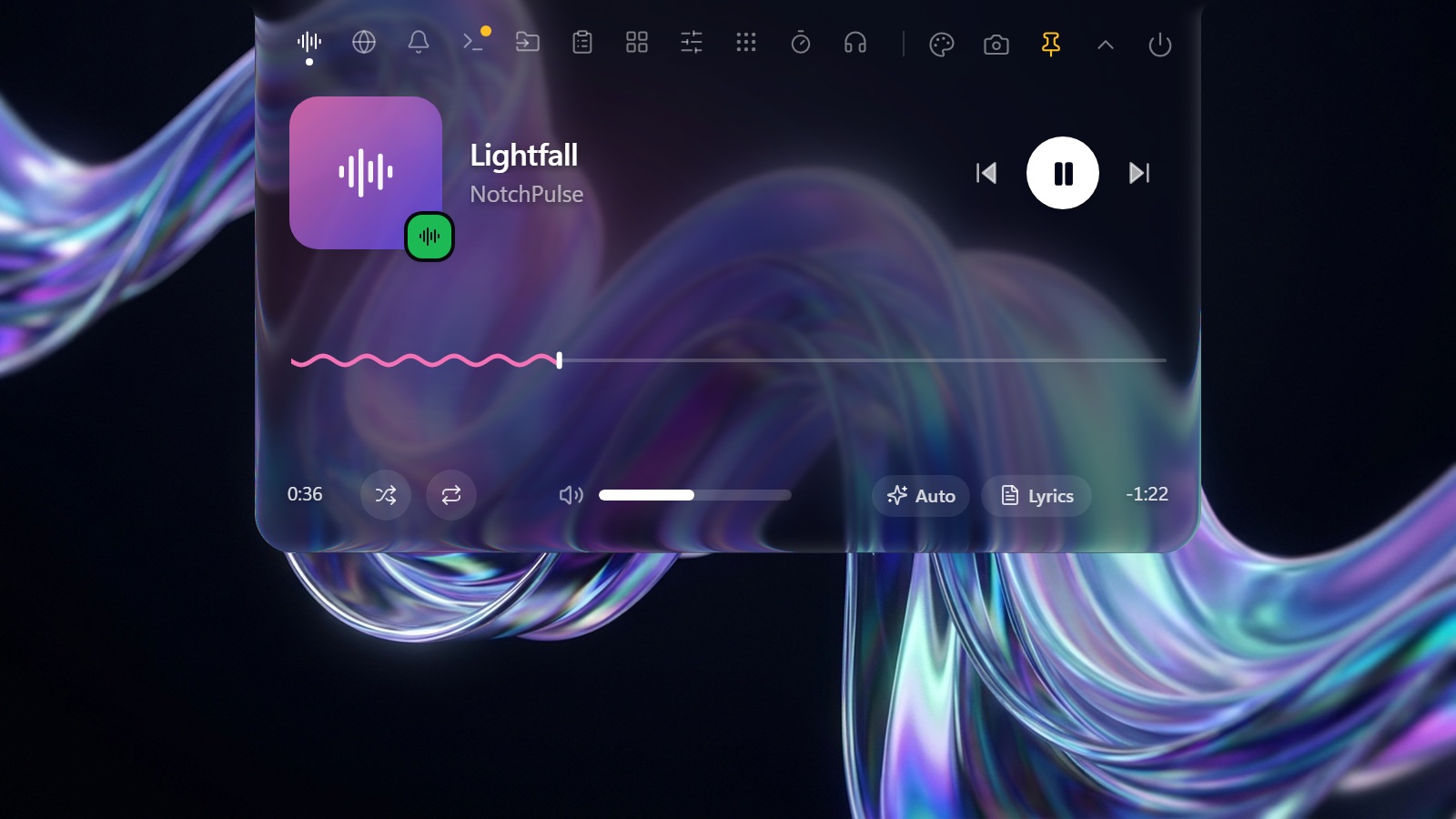
Media Workspace Synced LRCLIB · 6 Scrubbers

Music & Synced Lyrics

Control Spotify, YouTube Music, Apple Music, or browser tabs with album art, real-time synced lyrics, volume slider, and six progress bar styles including Wave, Hearts, Audio Bars, Line, and Dots.

  • Automatic system media detection with interactive scrubbing
  • Built-in live lyrics pane fetched cleanly per track
  • Six selectable progress bar designs matching any theme

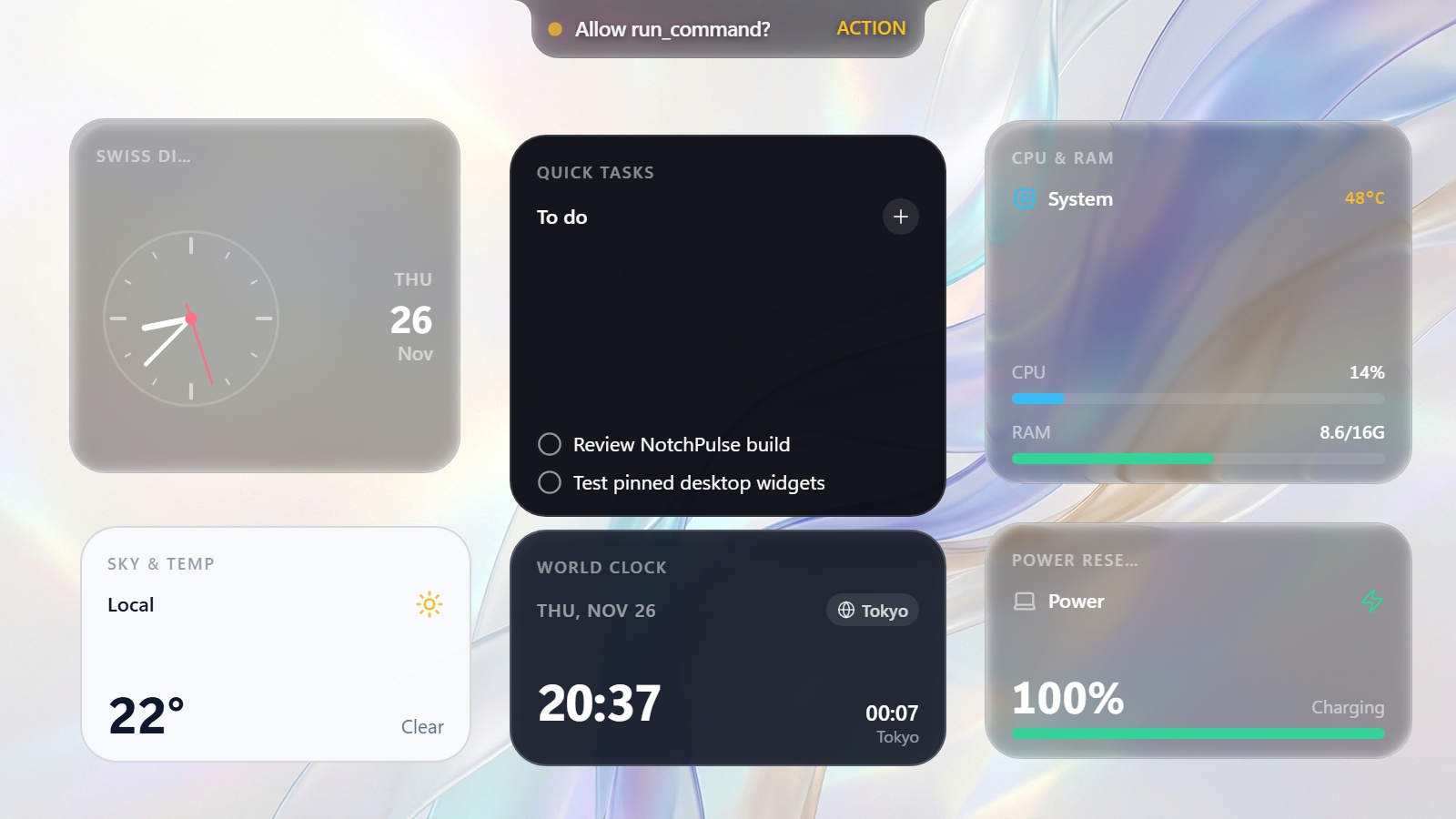
24 tactile widgets. Inside the notch or pinned to your desktop.

Pick only the cards you need inside the Notch Bar, or pin any widget directly onto your desktop wallpaper in Obsidian Dark, Frosted, Liquid Glass, or Crisp Light — always-on-top or sitting calmly underneath open apps.

Six NotchPulse desktop widgets pinned cleanly across Liquid Glass, Dark, and Light styles over Holographic Pearl wallpaper

Capture, convert, browse, and theme your way.

More than a quick shelf: trigger captures straight onto your stash, keep Spotify or Twitch floating in a mini-browser over full-screen apps, and match any wallpaper across eight color palettes.

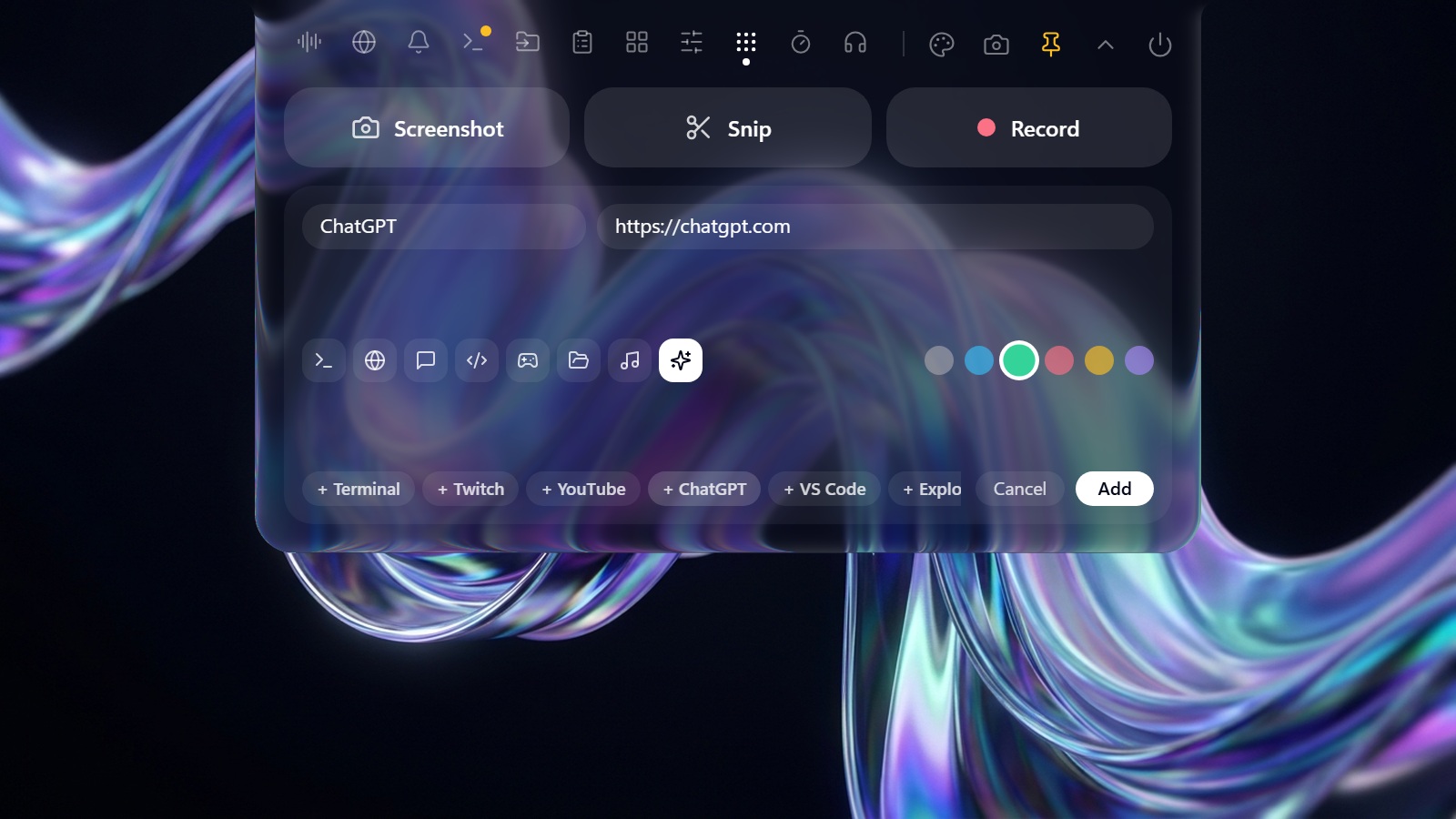
Tools Dock featuring Fullscreen Screenshot, Screen Snip, MP4 Screen Recorder, and custom launcher tiles

Screen Recorder, Instant Capture & 6 Custom Launchers

Snap a full PNG straight into your Drop Shelf, launch Windows Snip, record smooth desktop MP4 clips with a live elapsed badge, toggle global microphone mute anytime with Ctrl+Alt+M, and customize up to six colored app or site launcher tiles.
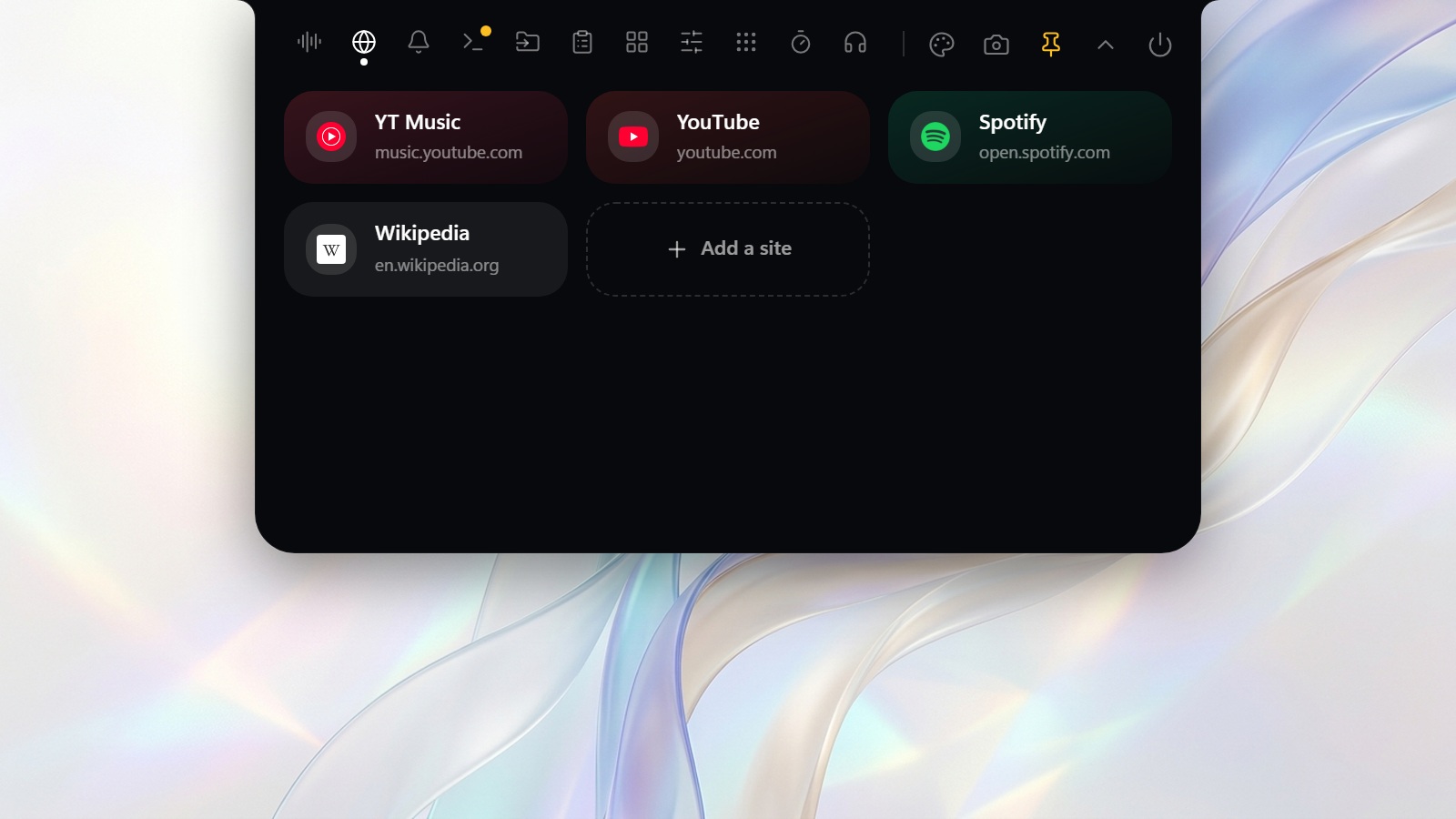
Web Drawer quick sites and floating Mini-Browser launcher

Built-In Floating Mini-Browser

Pin YouTube Music, Spotify, Twitch, ChatGPT, or Wikipedia and pop them open inside a clean distraction-free window with keyboard history navigation — even over borderless games.

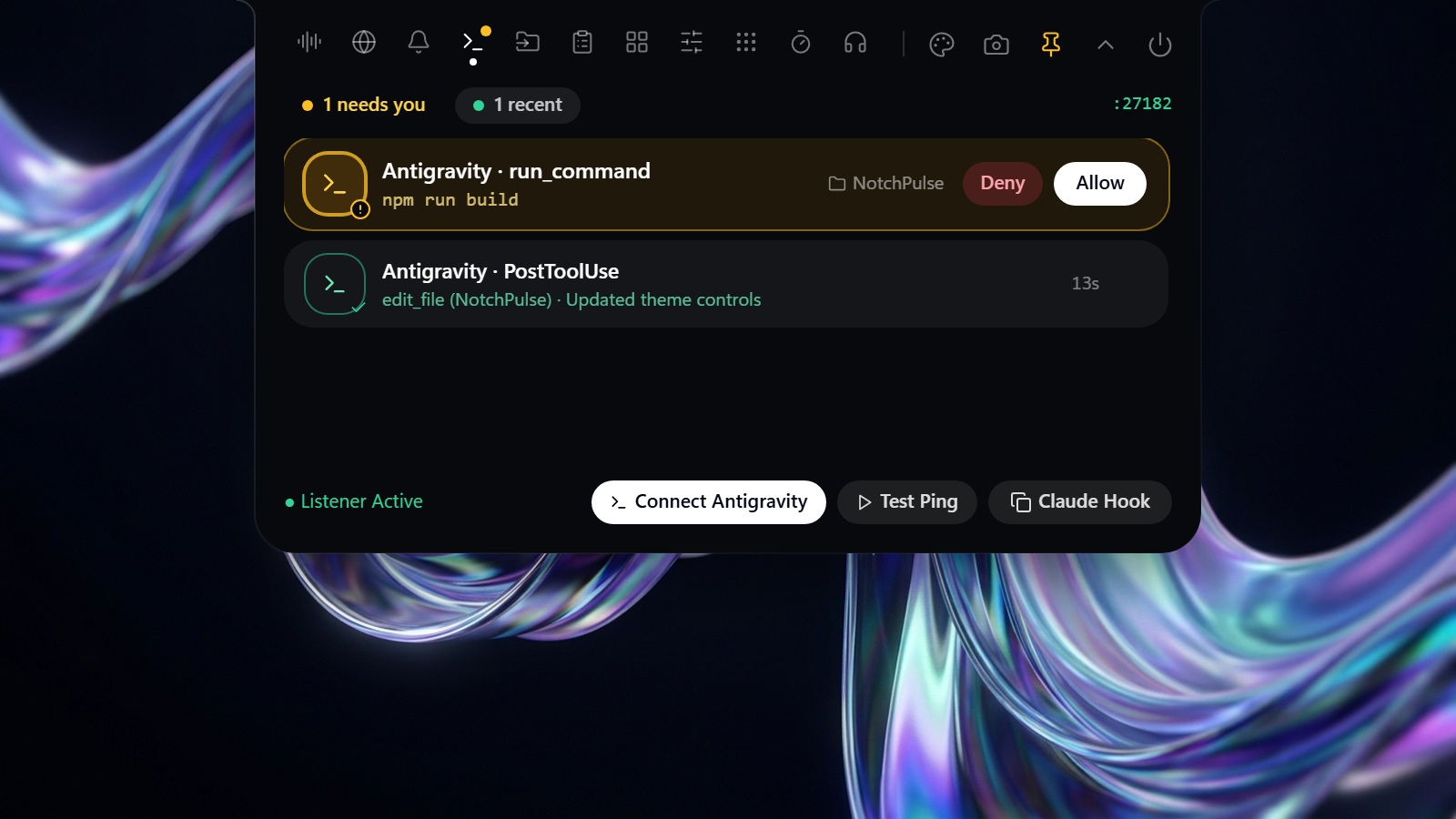
AI Coding Agents Hub with one-click Antigravity connect and tool approval controls

Antigravity, Claude Code & Codex Hub

Connect Antigravity in one click and stream live coding-agent runs into the collapsed pill, letting you approve or reject commands without breaking focus.

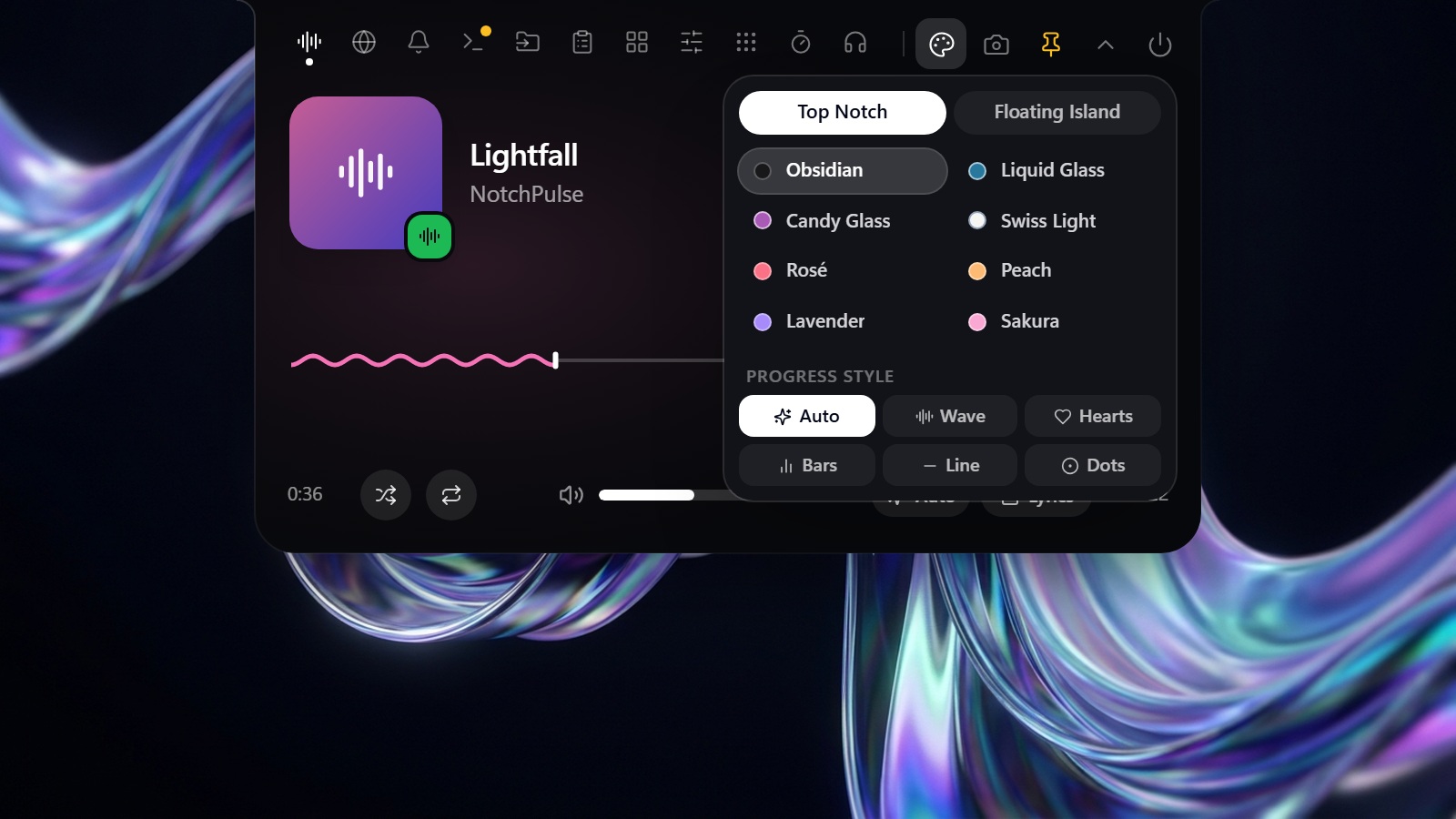
8 studio themes, geometry mode toggle, and 6 progress bar styles

8 Palettes & 6 Scrubber Styles

Choose Obsidian, Liquid Glass, Candy Glass, Swiss Light, Rosé, Peach, Lavender, or Sakura — paired with Auto, Wave, Hearts, Audio Bars, Line, or Dots progress scrubbers.

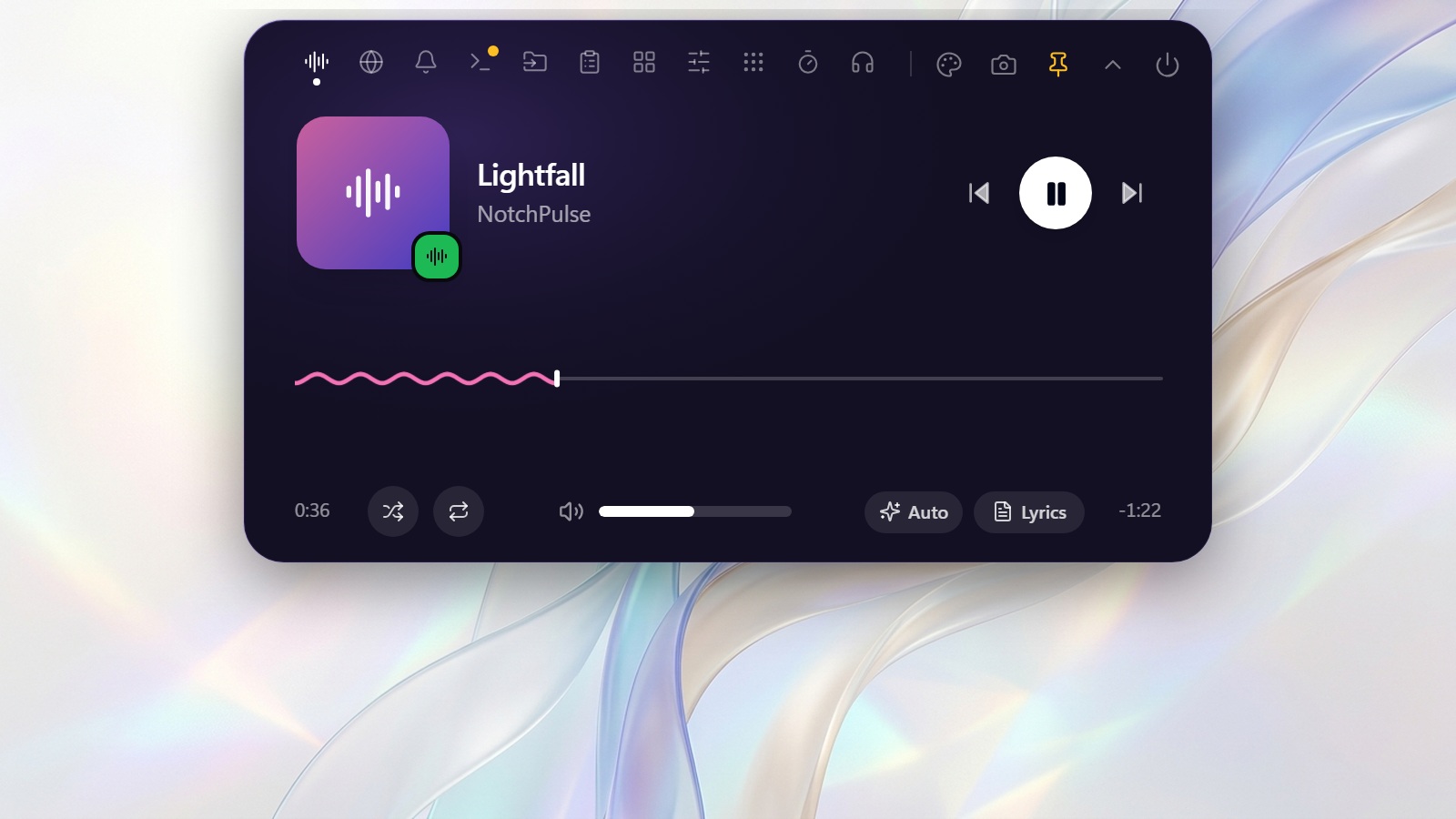
Floating Island mode in Lavender theme

Curved Notch or Floating Island

Switch cleanly between an edge-hugged scalloped Top Notch and a detached Floating Island capsule on any laptop notch or external monitor.

Slim Game Bar Strip showing live CPU, GPU thermals, RAM, and network speeds

Slim Game Strip, Clipboard OCR Vault & Wi-Fi Phone Drop

Keep a razor-thin top bar for CPU, GPU temperature, memory, and live network speeds while gaming; search locally encrypted clipboard cards with OCR text and hex colors; or beam photos and files straight between Windows and any phone over local Wi-Fi QR without installing a mobile app.

Zero idle drain

Background watchers sleep completely until your cursor touches the edge or audio starts playing — leaving CPU, GPU, and laptop battery untouched.

Never blocks your clicks

The invisible region around the capsule passes every mouse click straight through to browser tabs, close buttons, and games.

Private on your PC

Clipboard history stays encrypted on disk, file conversions run strictly offline, and phone transfers stay inside your local Wi-Fi network.

ShotSafe ready

Keep the notch hidden from Zoom, Teams, screenshots, and OBS captures by default — or click the header camera button anytime to include it.

Eleven utilities unified. One honest lifetime price.

The free open core gives you everyday essentials with zero ads or trial timers. Unlock Pro once for offline batch file conversion and two-way phone Wi-Fi transfers.

Included Capability Separate Apps NotchPulse
Now Playing + Synced Lyrics + 6 Scrubber Styles ~$6/yr Free Core
24 Widgets (Notch Bar + Desktop Wallpaper Pinning) ~$12/yr Free Core
Screenshot, Snip, MP4 Screen Recorder & Mic Mute ~$20/yr Free Core
Encrypted Clipboard Vault + OCR & Color Cards ~$29 Free Core
Antigravity, Claude Code & Codex Hub + Mini-Browser ~$15 Free Core
Offline File Toolkit (Compress, WebP, PDF Merge/Split, Zip) ~$24/yr Pro Unlock
Two-Way Local Wi-Fi Phone QR File Drop ~$29/yr Pro Unlock

Questions, answered clearly.

No. NotchPulse works cleanly at the top center of any Windows 11 laptop, external display, or ultrawide screen. You can switch anytime between the curved Top Notch anchored to the bezel and the detached Floating Island capsule.

No. While collapsed, clicks anywhere outside the compact center pill pass straight through to browser tabs and open windows. Desktop widgets can stay calmly pinned to your wallpaper layer beneath active windows so they never interrupt full-screen work.

Yes. Every pinned desktop widget can switch independently between Liquid Glass (with real wallpaper refraction that updates smoothly when dragged), Frosted Glass, Obsidian Dark, and Crisp Light — all synced live with your Notch Bar cards.

Open Control Center or Drop Shelf and tap Phone QR. Scan the local code with any iPhone or Android camera to open a lightweight page directly over your home or studio Wi-Fi network — send files both ways with nothing leaving your router.

Never. Your clipboard vault is encrypted locally using Windows user protection, image and PDF tools process strictly on your PC, and live AI agent approvals communicate only on your local machine.

Yes. Click the ShotSafe camera icon in the notch header to hide NotchPulse completely from screenshots, Zoom/Teams screen shares, and OBS — or turn capture visibility on whenever recording tutorials, plus hit Ctrl+Alt+M from any window to mute your microphone.